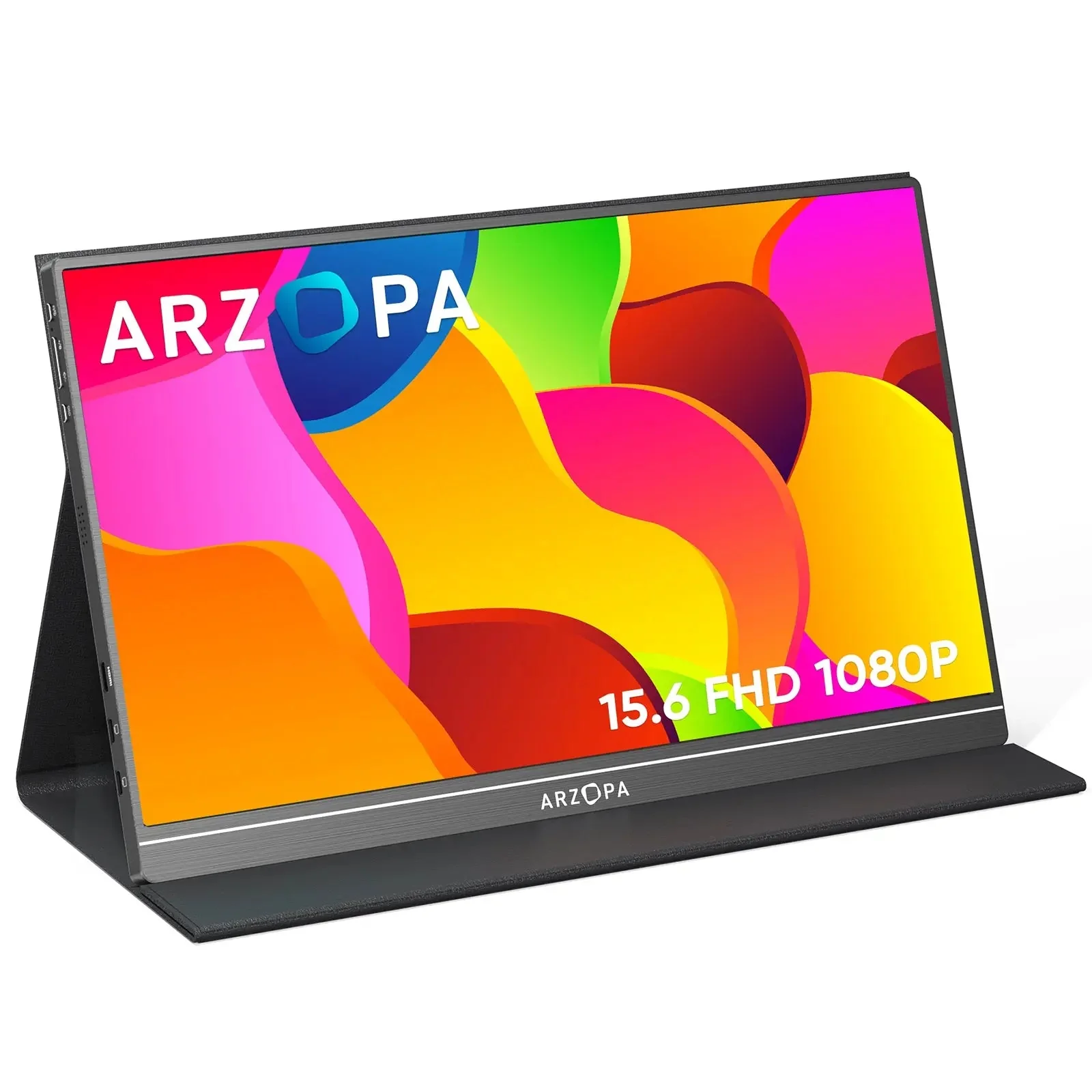
Arzopa S1 Table Portable Laptop Monitor | 15.6'' FHD 1080P
Specs
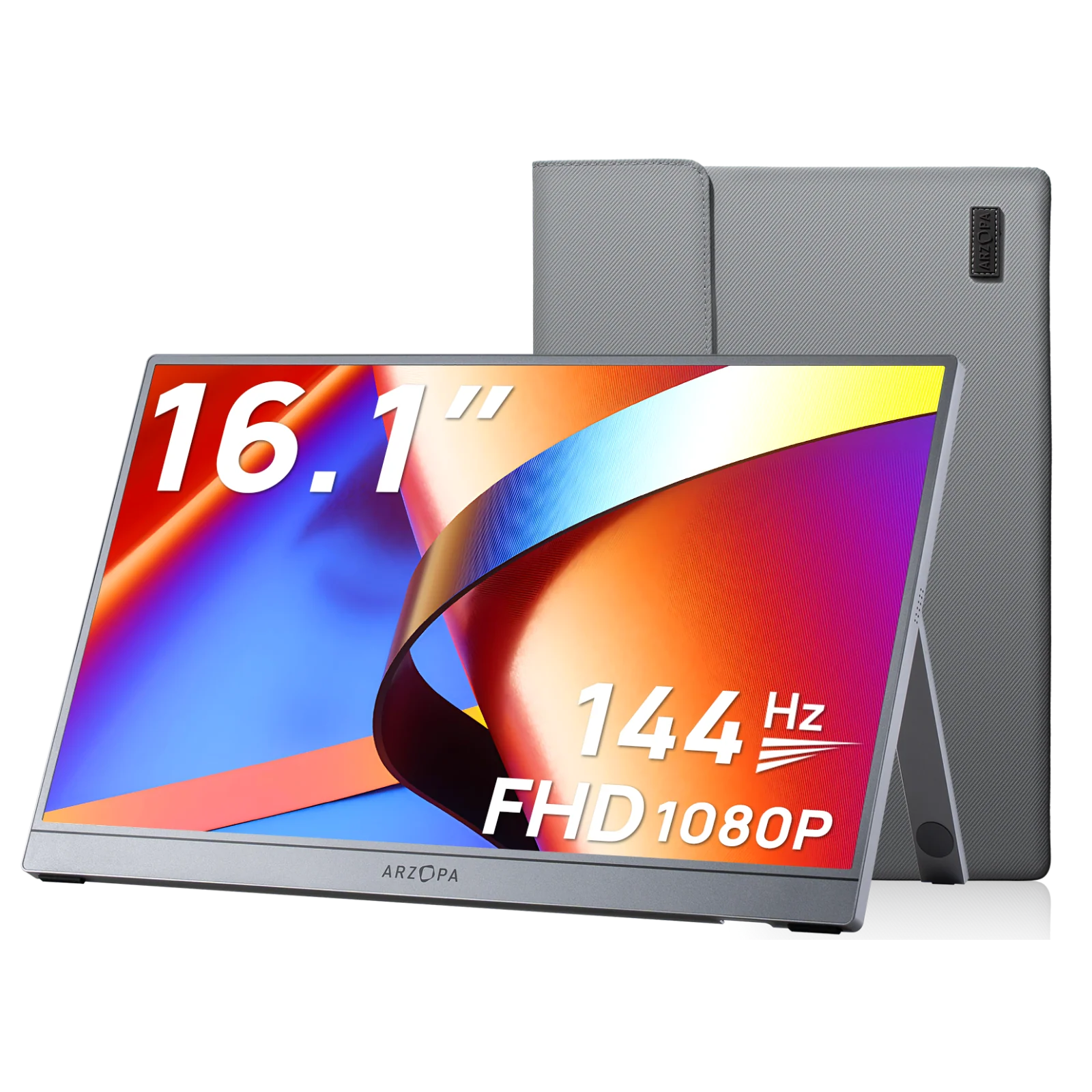
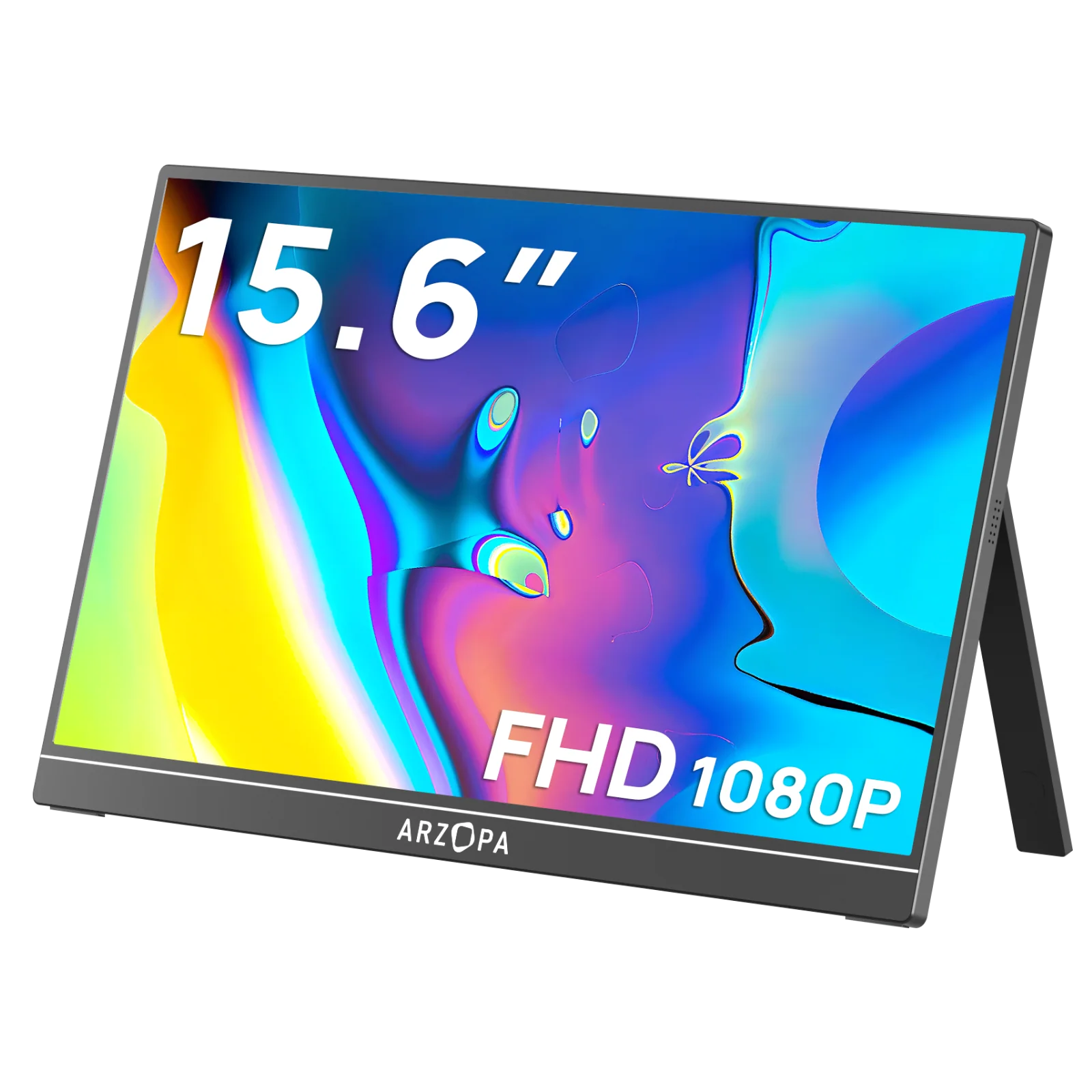
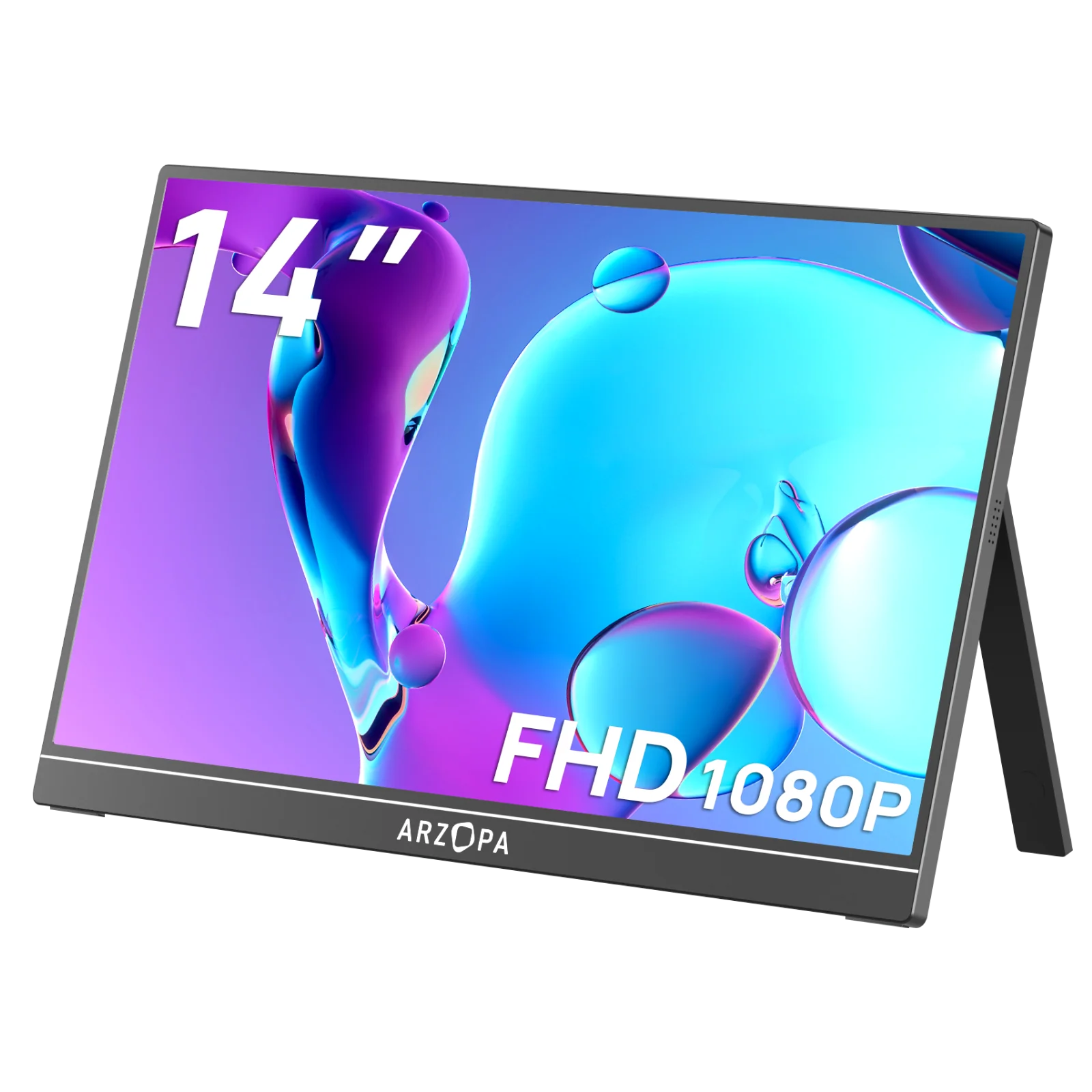
Product Name: ARZOPA Type-C Portable Monitor
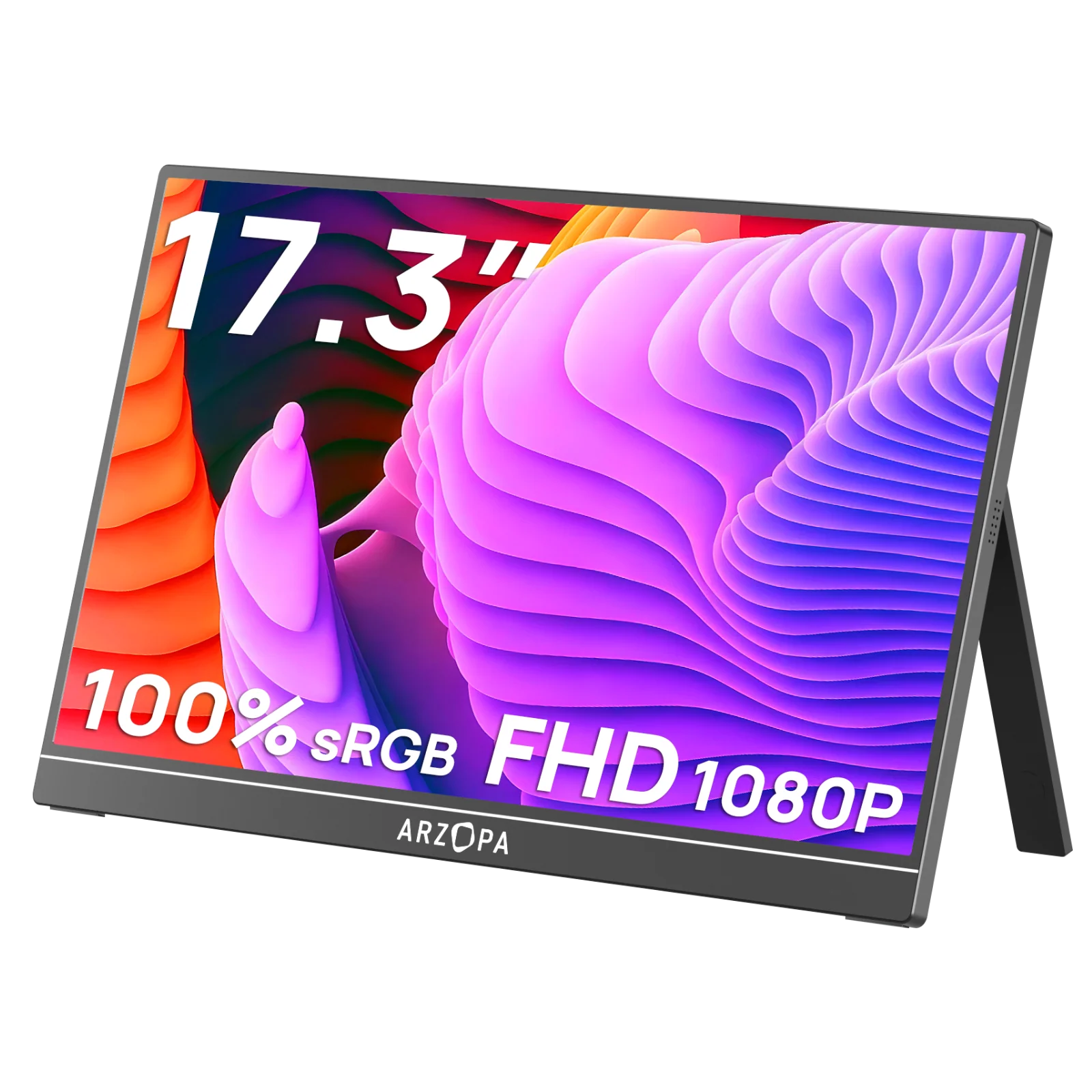
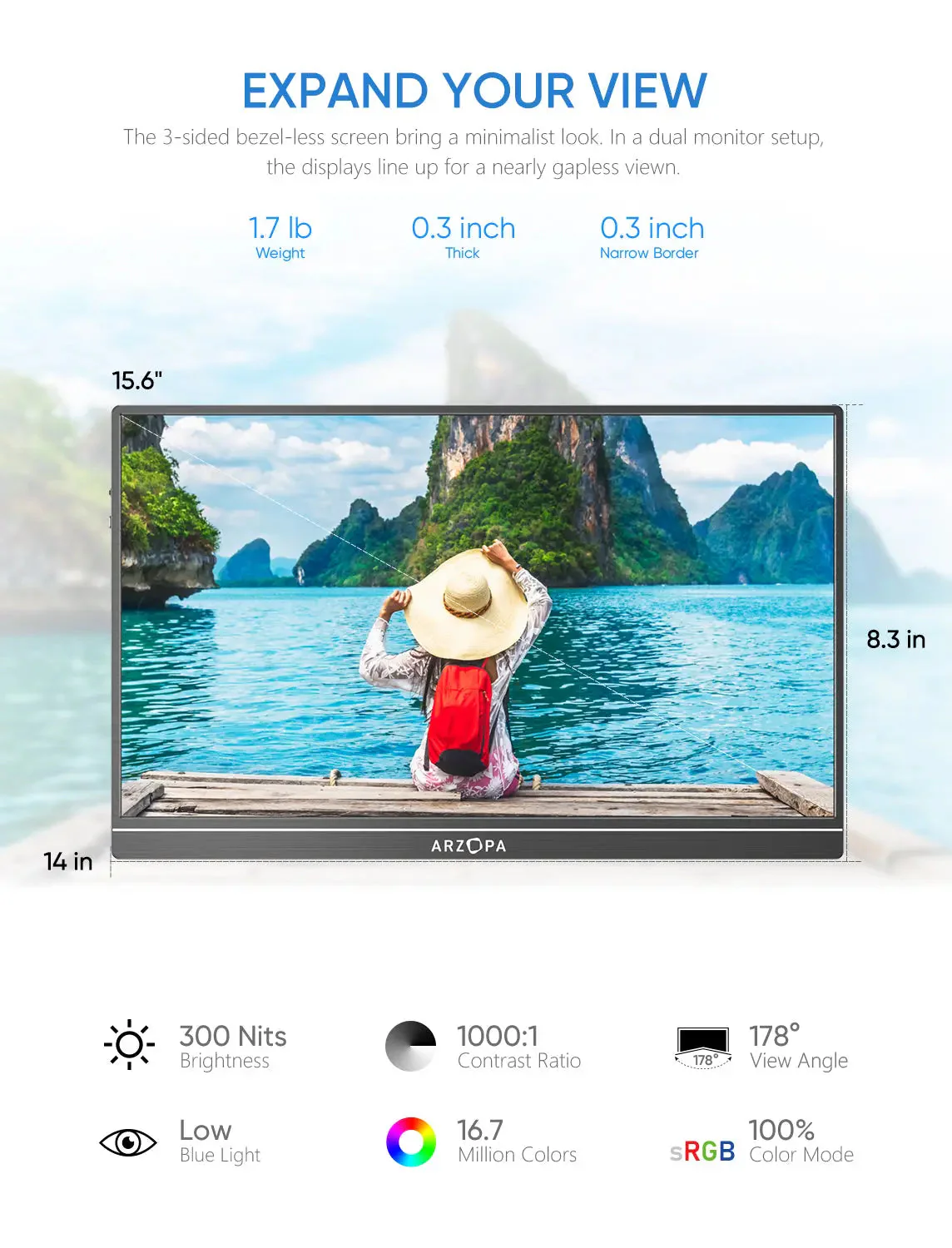
Screen Size: 15.6 Inch
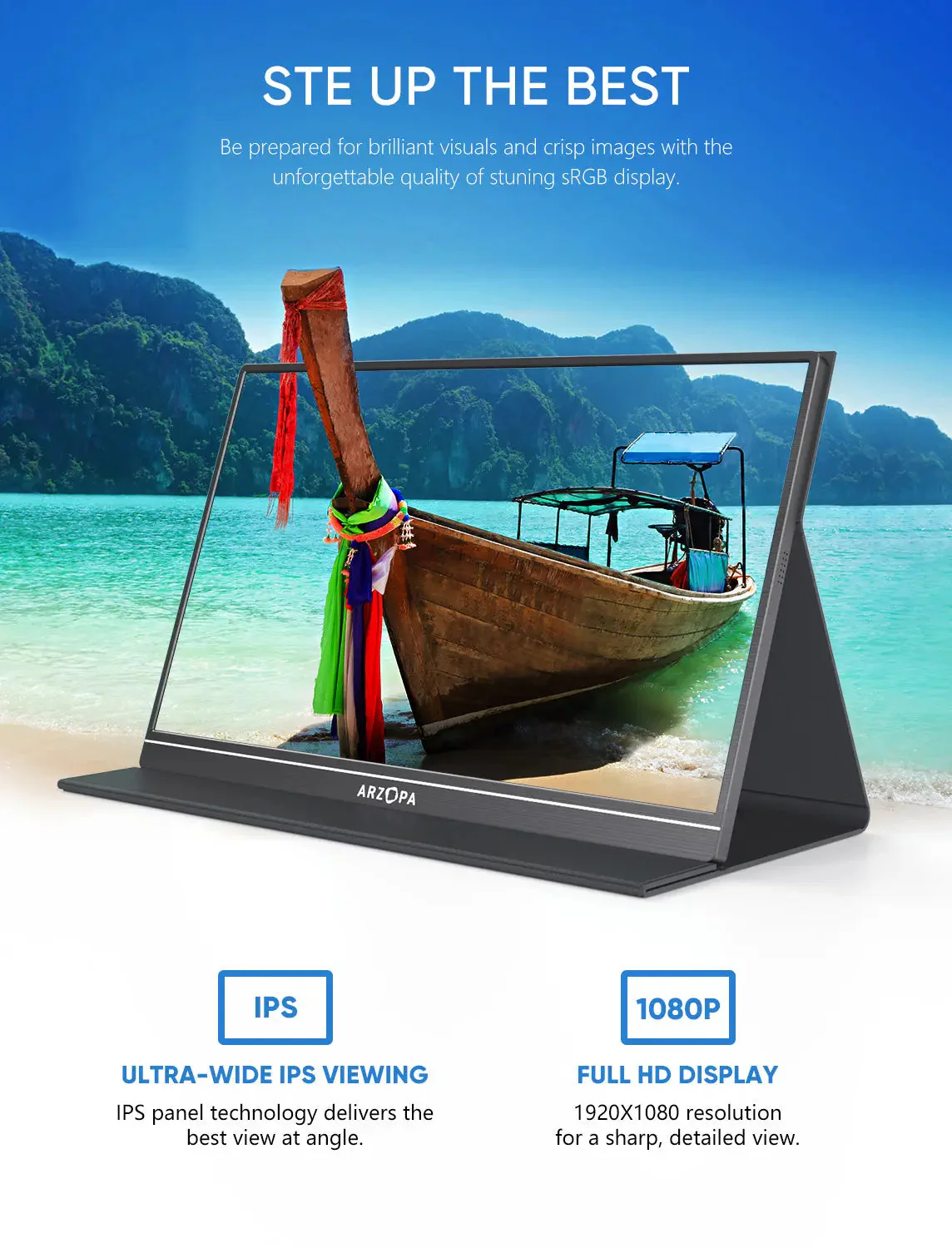
Panel Type: IPS
Aspect Ratio: 16:9
Resolution: 1920*1080
Display Color: 16.7M
Color Temperature: 6800K
Visual Angle: H: 85°/85°Min V: 85°/85°Min
Contrast Ratio: 1000:1
Brightness: 300cd/m2
Color Gamut: 72%
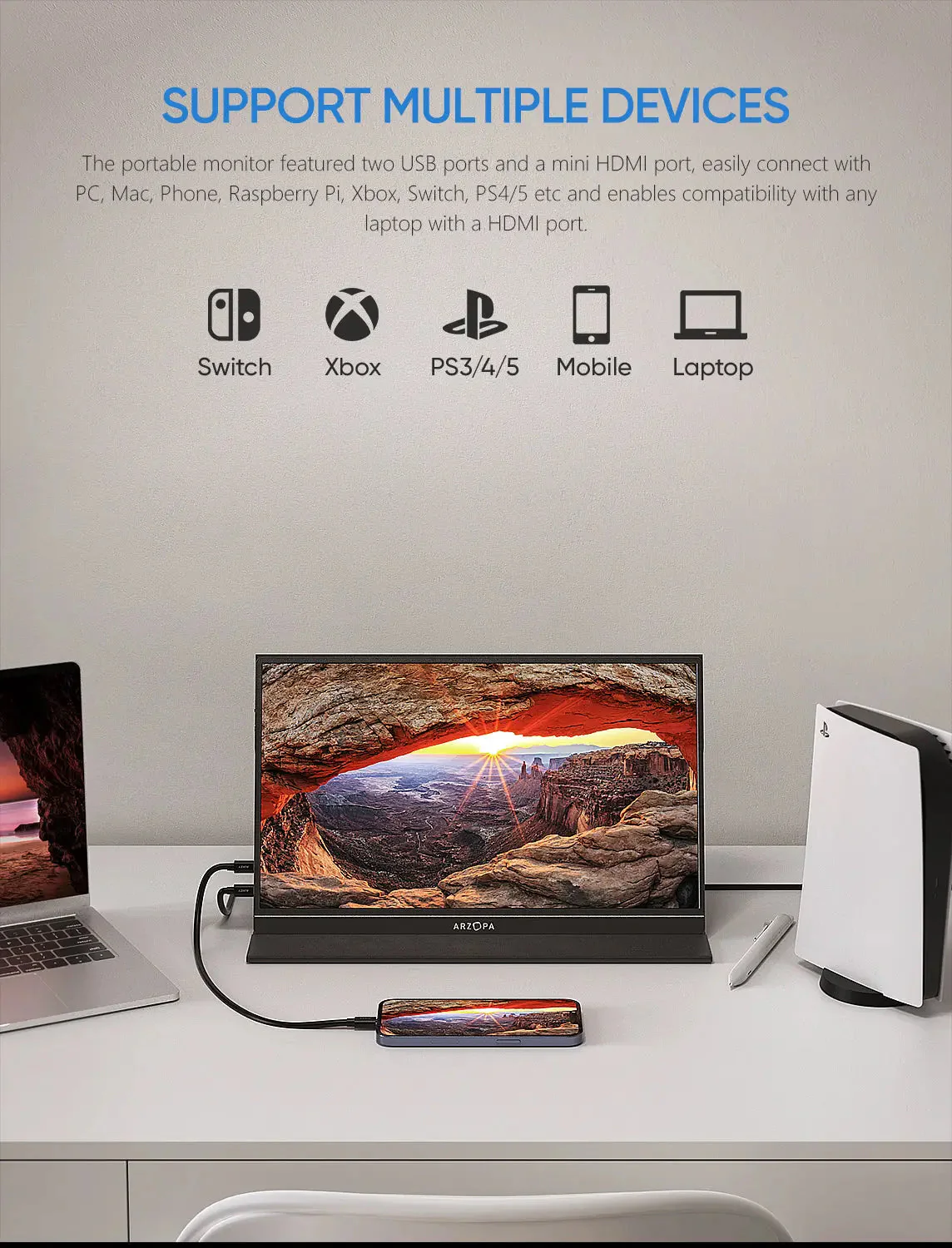
Input Interface: Mini HD(Video Signal), Type-C Full Function(Video Data, Power Supply ISDN),
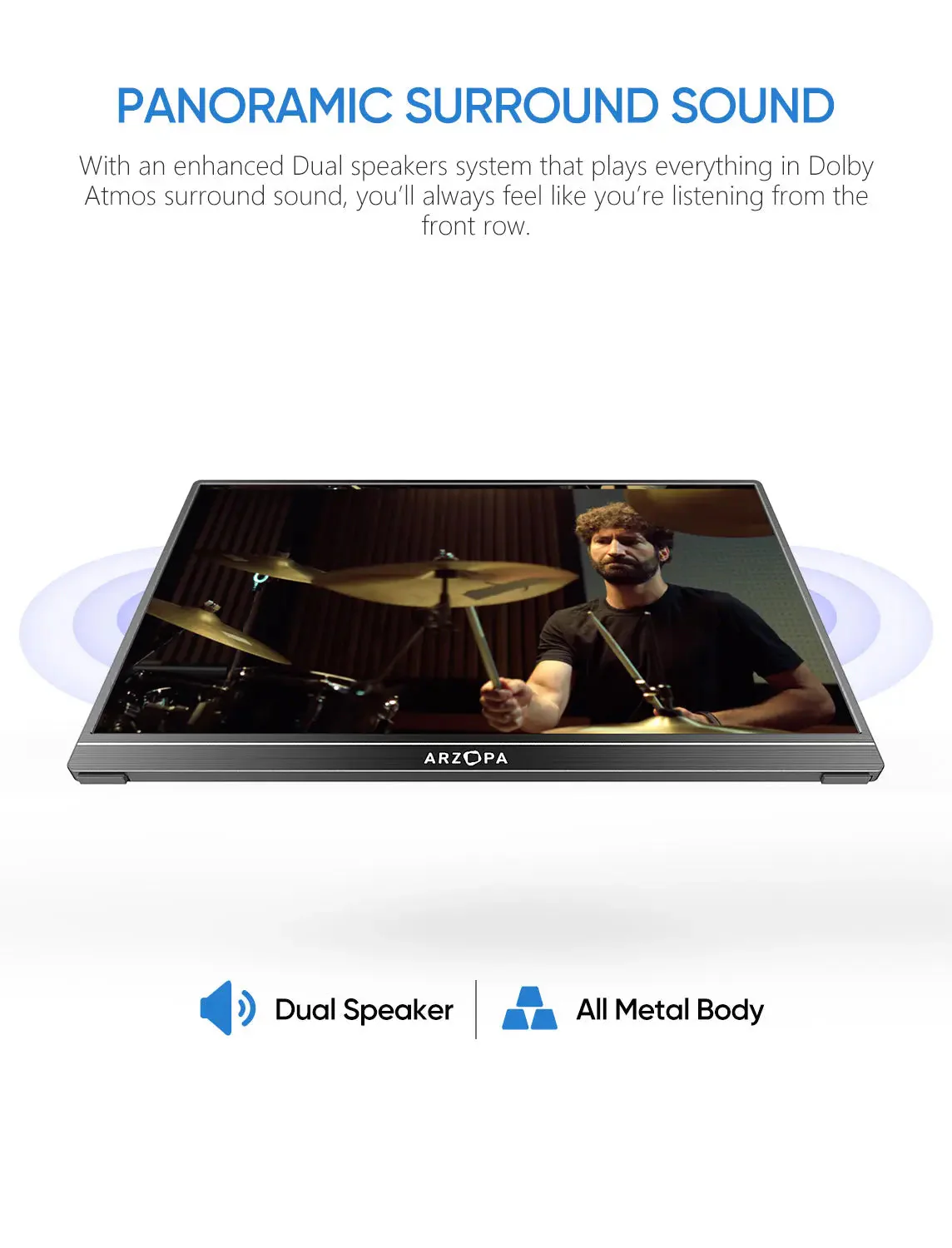
Speaker: Built-in Speakers(1W*2)
Refresh Rate: 60Hz
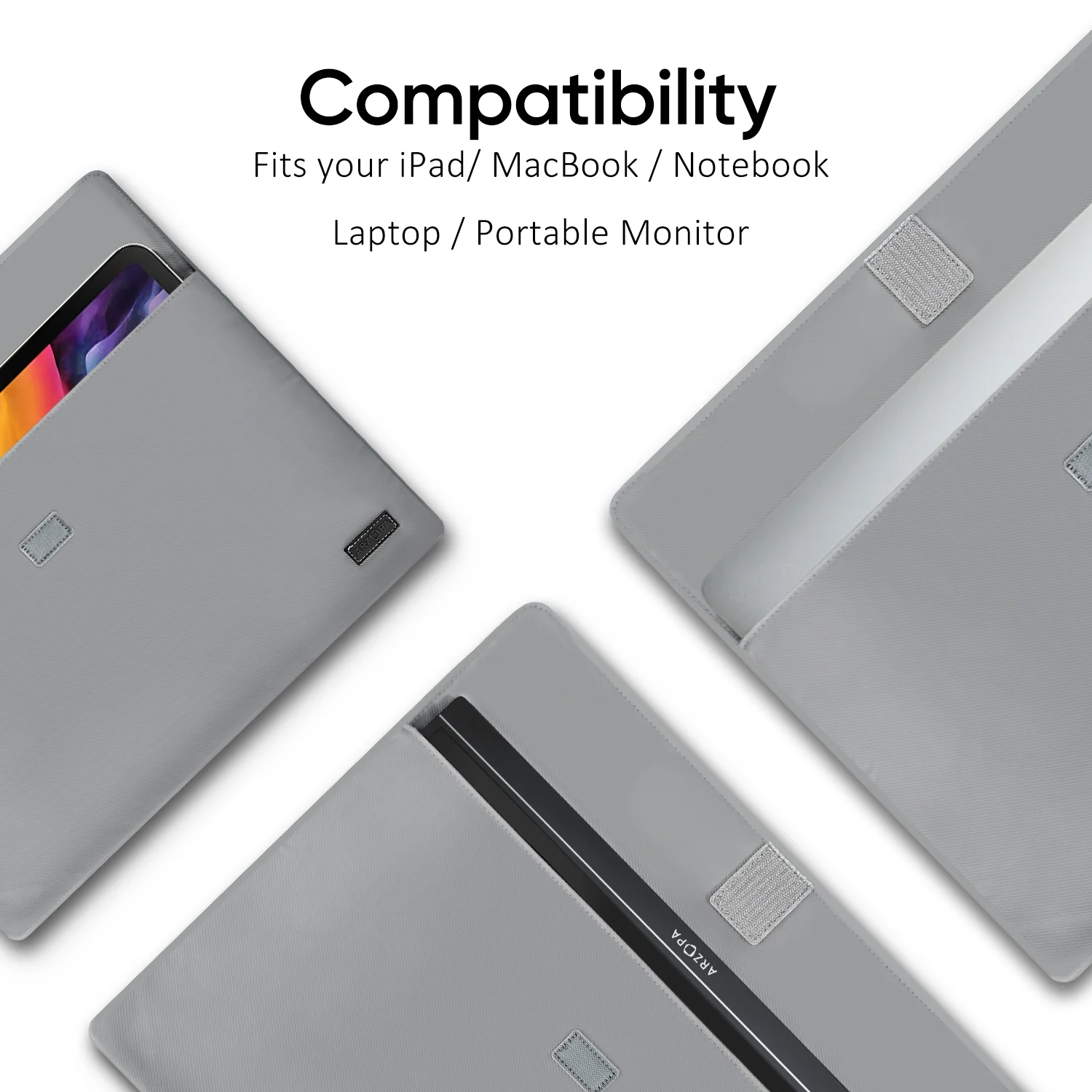
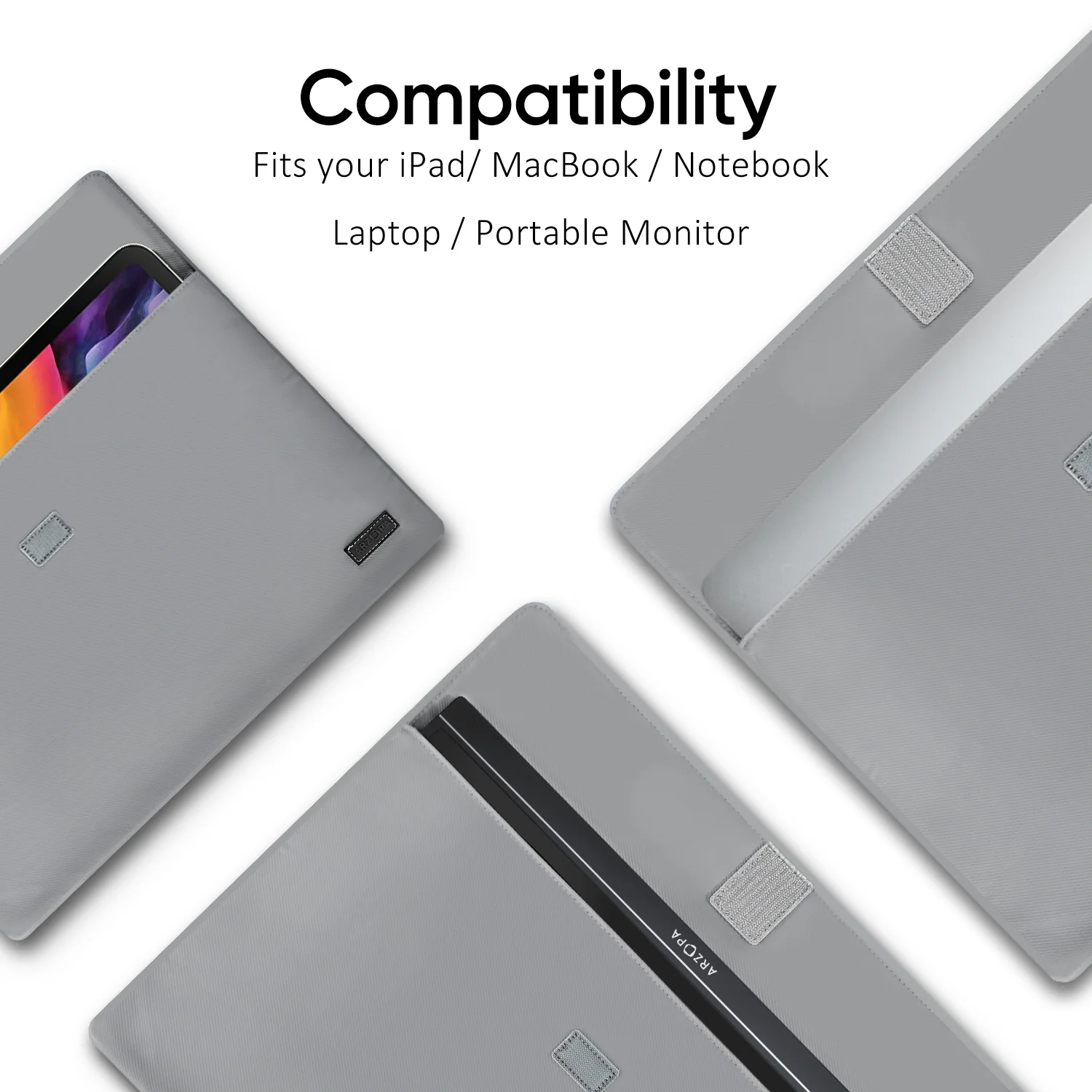
Compatible Laptop Models
- Apple: MacBook 12 /2015 /2016 /2017 Pro MackBook Air 2018 / iPad Pro 2018-2020
- HUAWEI: MateBook D / MateBook E / MateBook X / MateBook X Pro / MateBook 13 /MagicBook
- Microsoft: SurfaceGo / Surface Book 2
- ASUS: ZenBook 3 / ZenBook 3 Pro / ZenBook X / U4100 / U4100UN / AU5100UQ
- MI: Mi Air 12.5 / Air 13.3 / Pro 15.6 / Pro 15.6 GTX
- Lenovo: Y7000 / Y7000P / Y900K / YOGA / ThinkPad X1 / Carbon / MIIX 720 /Youga
- HP: Elitebook 1050 G1 /Elitebook Folio G1 /ENVY13 / Spectre13
- DELL: G3 / G5 / G7 / Inspiron 5000 / Inspiron 7000 / XPS13 / XPS15 / Latitude 5285
- Google: Pixelbook Pen,Chromebook Pixels
- Razer: Blade Stealth / Blade Pro
- Nvidia: Geforce RTX 2070 / Geforce RTX 2080 / Geforce RTX 2080Ti
- More: To be updated. Compatible with most PCs or Laptops.
Compatible Phone Models
- Apple: It supports connection with iPhone, but a Lighting to HDMI adapter is needed.
- HUAWEI: P20 / P20 RS / P20 Pro / P30 / P30 Pro / Mate 10 / 10 Pro / 20 / 20 X / 20 Pro / 30 / 30 Pro / RS /V20 /Note 10
- Samsung: S8 / S8+ / S9 / S9+ / S10 / S10+ / S20 / Note 8 / Note 9 / Note 10 / Note 10+
- Razer: Razer Phone / Razer Phone 2
- Sony: Xperia 1 / Xperia 5 / Xperia XZ3. NOKIA: NOKIA 9 Pure / View. ASUS: ROG / ROG2. OPPO: R17 Pro. LG: G5 HTC: U Ultra
- More: To be updated. Compatible with Switch / XBOX / PS3 / PS4 / PS5 etc.
Warm Tips
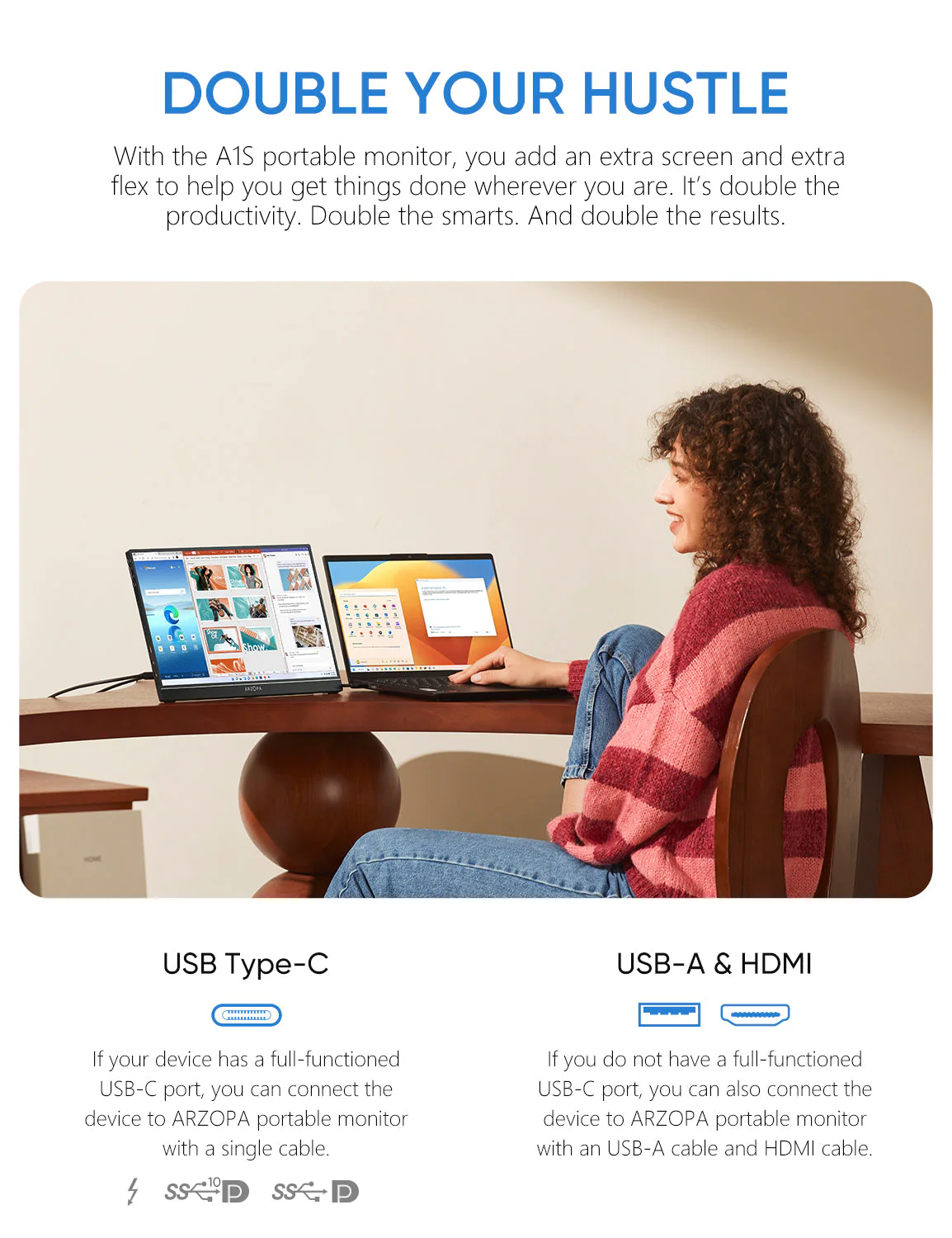
- When you connect with your smartphone, which must has full functioned type-c port, only need to use USB-C to USB-C cable to connect. (iPhone needs lighting to HDMI adapter).
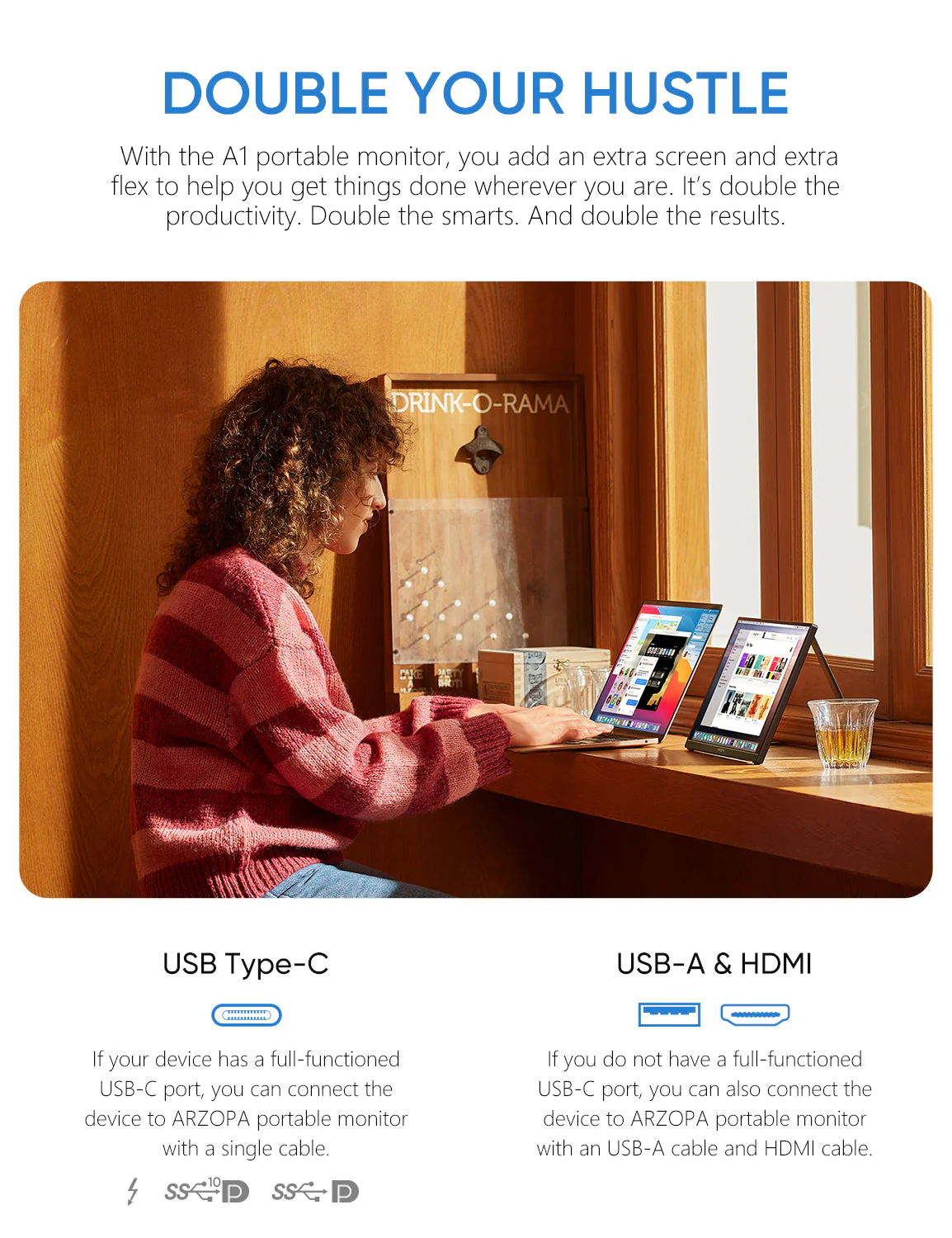
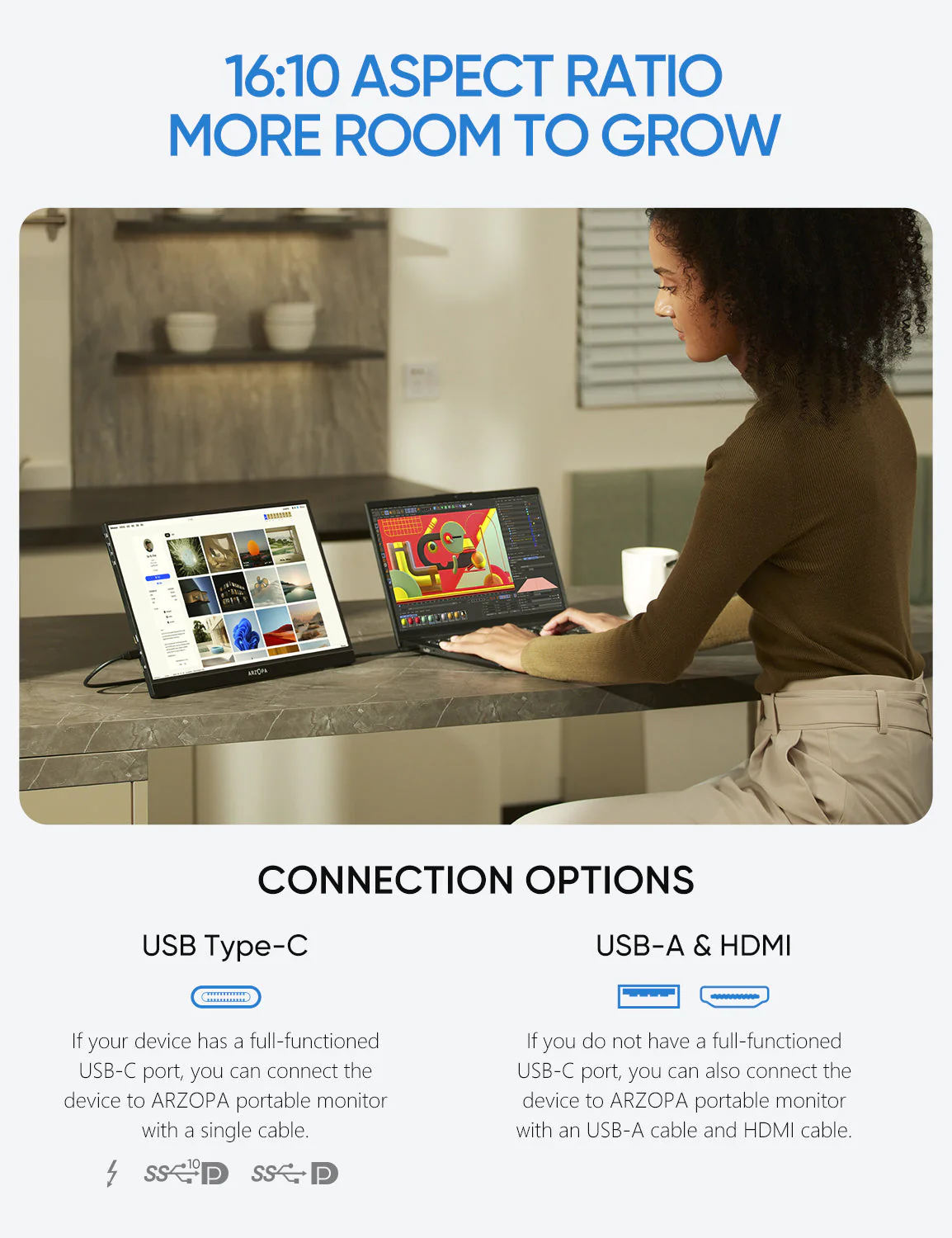
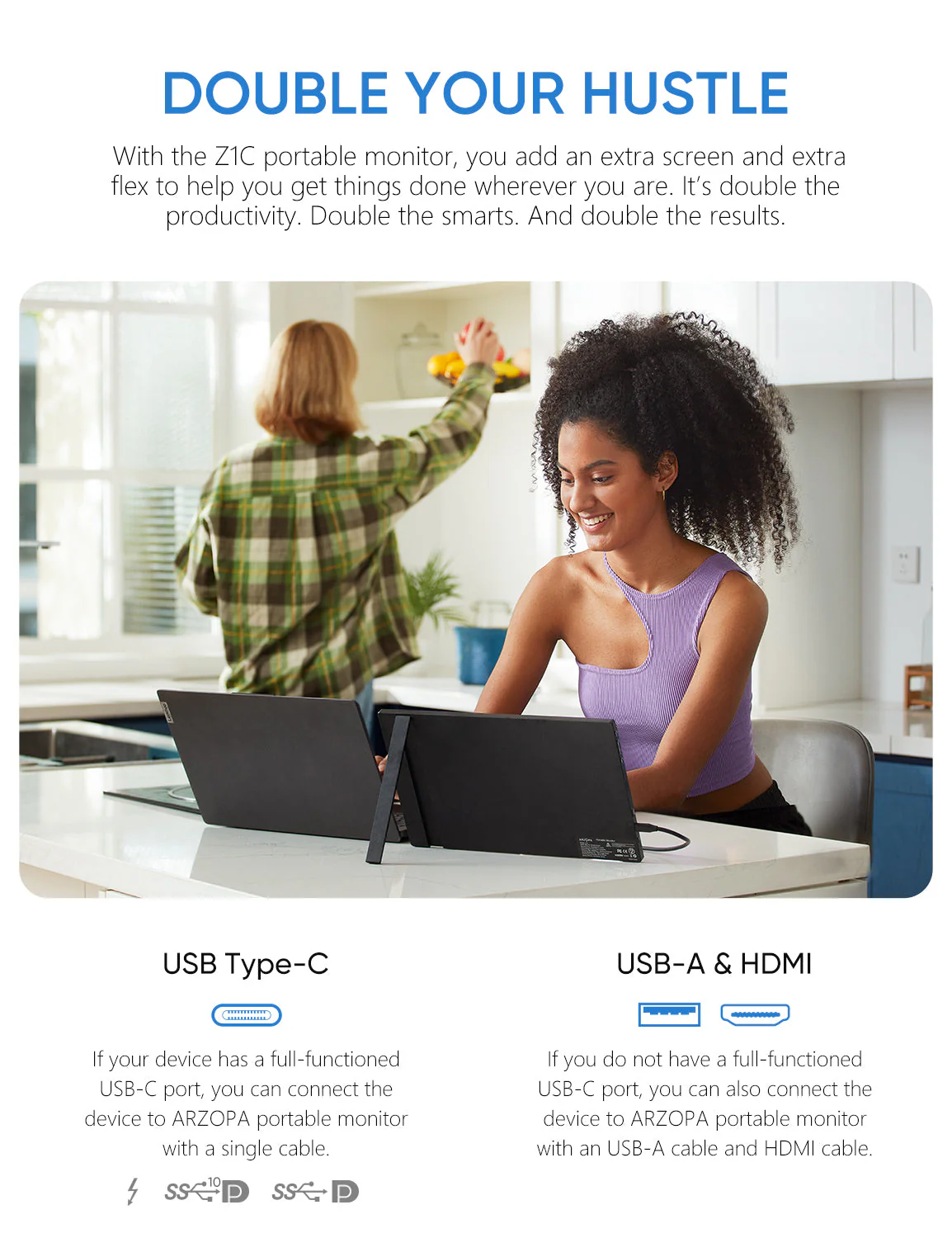
- When you connect laptop with full functioned type-c port, only need to use USB-C to USB-C cable to connect. (Left usb-c port of monitor for data transfer and power supply, right c port only for power supply).
- When you connect laptop/pc with HDMI port, you need use Mini HDMI to HDMI cable connect monitor and your device for data transmission, use USB-A to USB-C cable connection for data Transmission. USB-A side connect adapter or power supply device, USB-C side connect your portable monitor.
- When your laptop /pc, smartphone is 720P, the monitor images will show 720P resolution. You need to adjust your own device to 1080P resolution, the portable monitor will show 1080P vivid images.
- Press “Windows + i” to enter into setting on pc/laptop, adjust display direction (landscape/portrait), resolutions. Press “Windows + P” to enter into display mode (duplicate, extend, second screen only) to choose.
- The usb c portable monitor does not built-in battery, just plug and play.
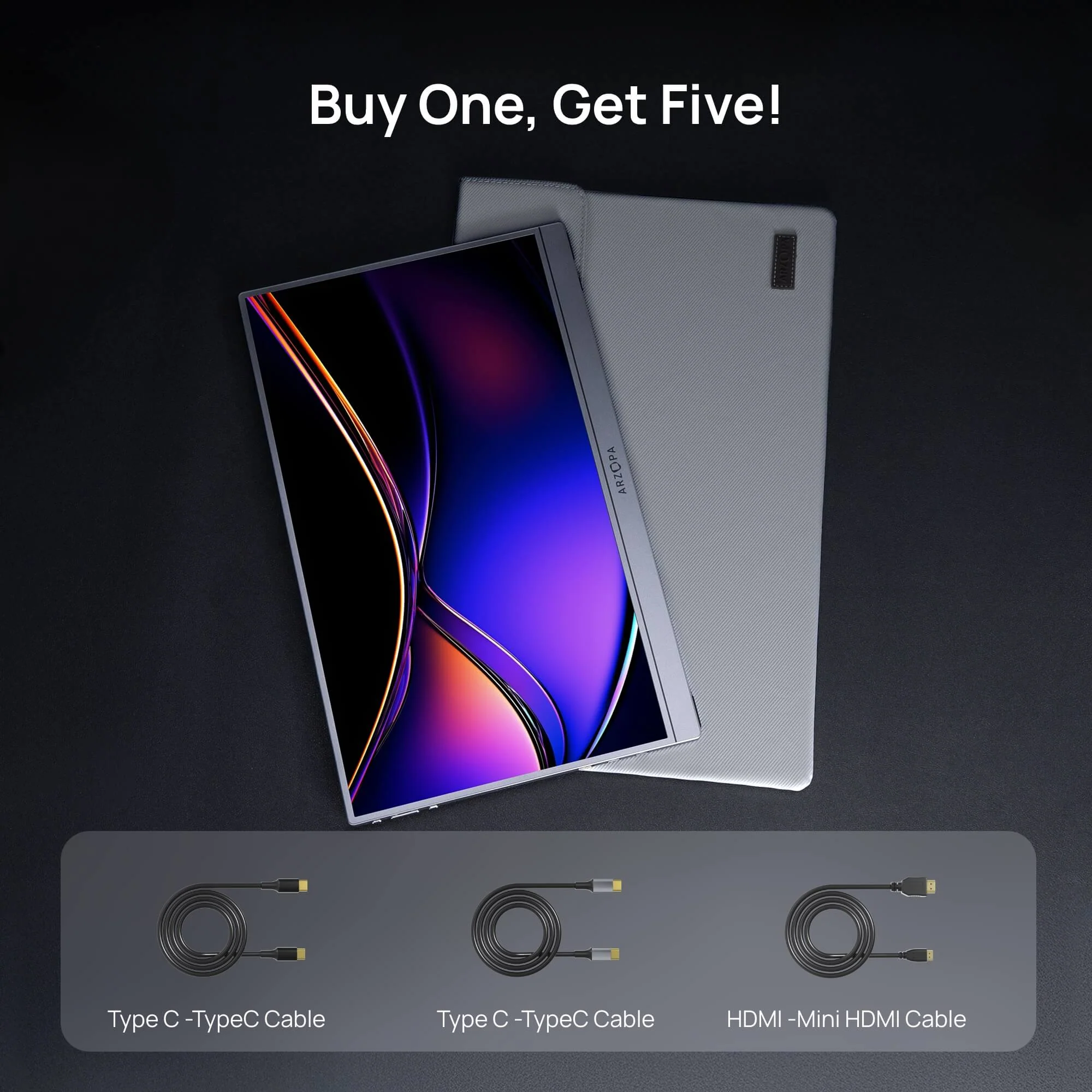
What's in the box
- 1 x ARZOPA Portable Monitor
- 1 x USB-C to USB-C Cable
- 1 x Mini HDMI to HDMI Cable
- 1 x USB-C to USB-A Cable
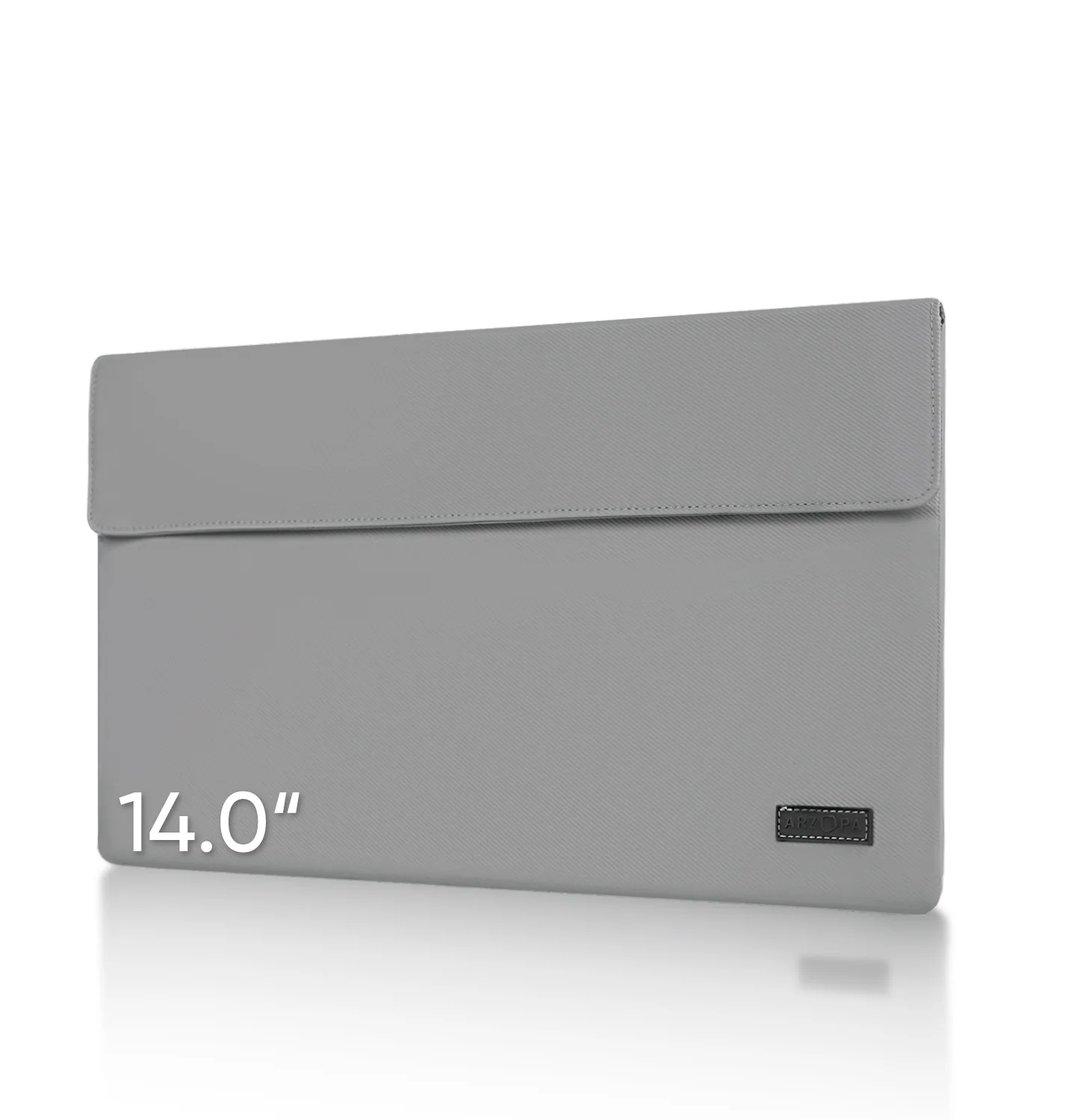
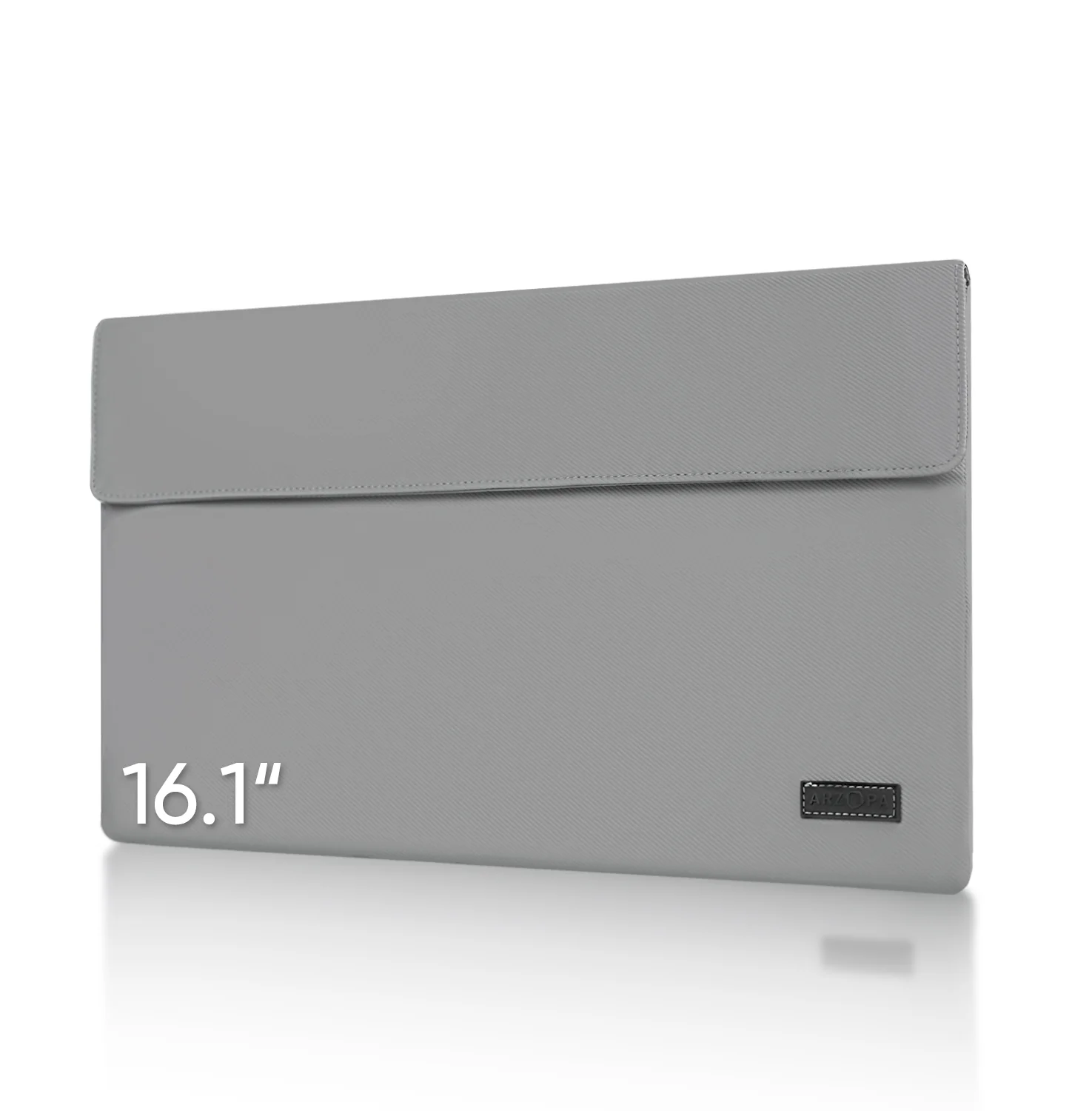
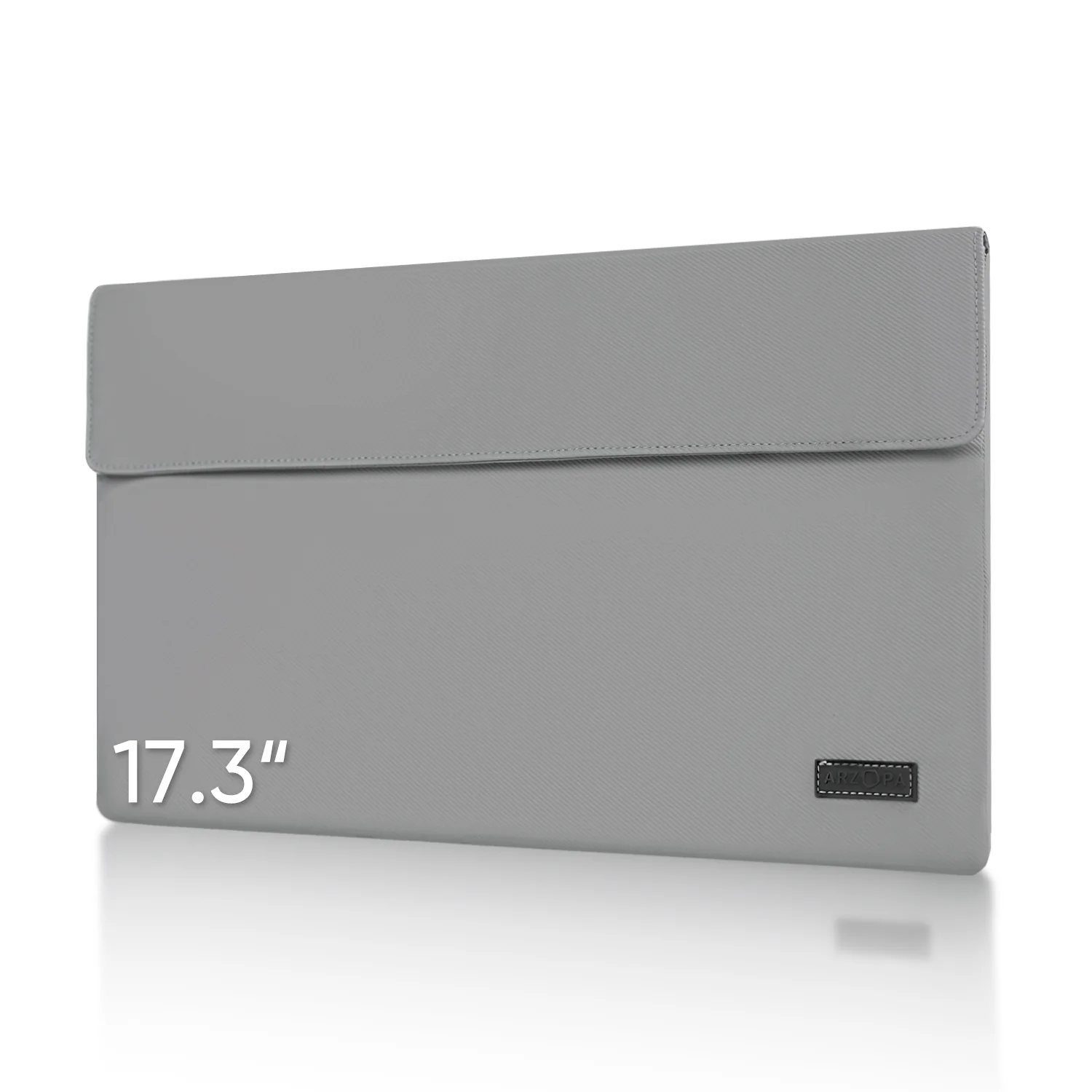
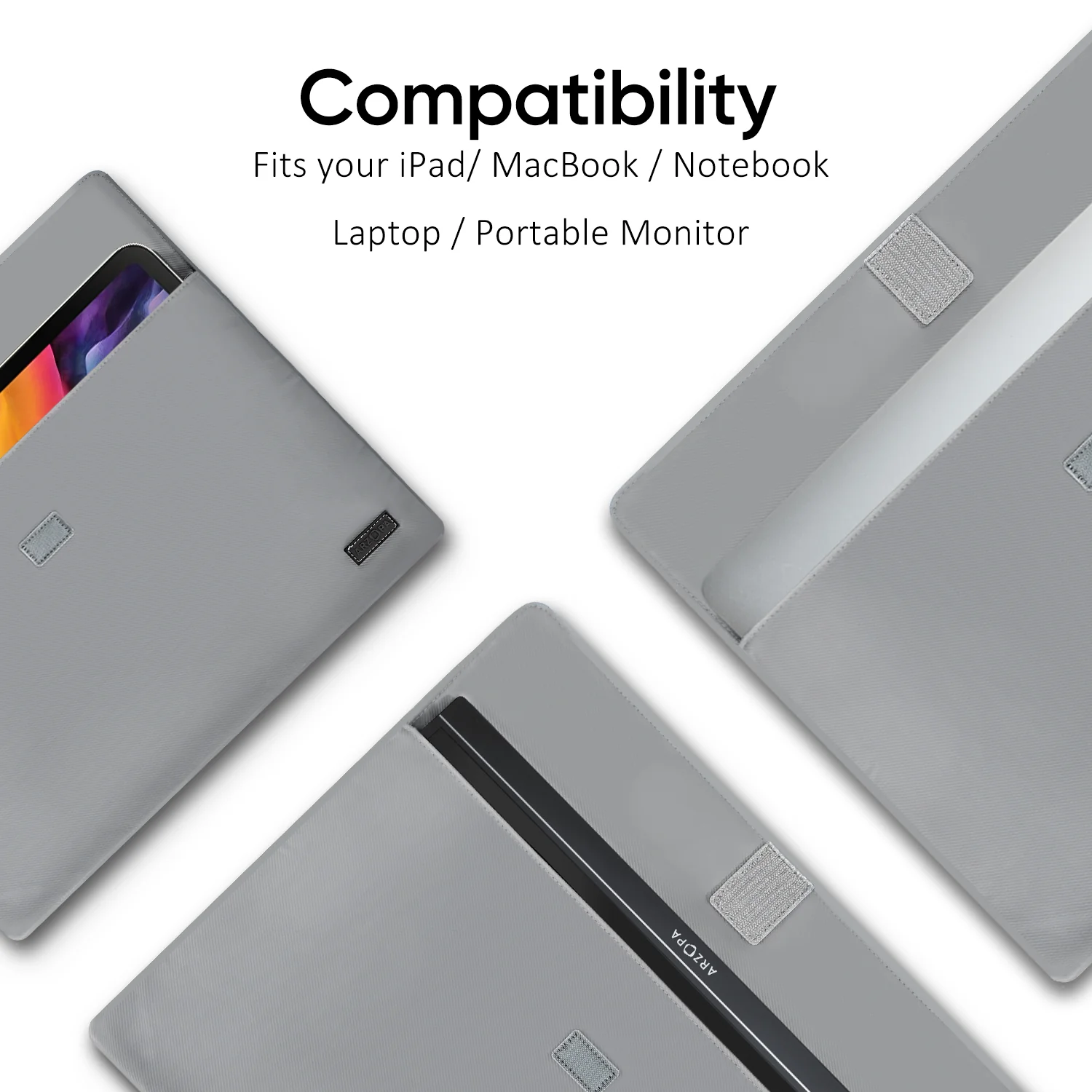
- 1 x Smart Cover
$98.25
Arzopa S1 Table Portable Laptop Monitor | 15.6'' FHD 1080P—
$98.25
Product Information
Product Information
Shipping & Returns
Shipping & Returns
Description
Specs
Product Name: ARZOPA Type-C Portable Monitor
Screen Size: 15.6 Inch
Panel Type: IPS
Aspect Ratio: 16:9
Resolution: 1920*1080
Display Color: 16.7M
Color Temperature: 6800K
Visual Angle: H: 85°/85°Min V: 85°/85°Min
Contrast Ratio: 1000:1
Brightness: 300cd/m2
Color Gamut: 72%
Input Interface: Mini HD(Video Signal), Type-C Full Function(Video Data, Power Supply ISDN),
Speaker: Built-in Speakers(1W*2)
Refresh Rate: 60Hz
Compatible Laptop Models
- Apple: MacBook 12 /2015 /2016 /2017 Pro MackBook Air 2018 / iPad Pro 2018-2020
- HUAWEI: MateBook D / MateBook E / MateBook X / MateBook X Pro / MateBook 13 /MagicBook
- Microsoft: SurfaceGo / Surface Book 2
- ASUS: ZenBook 3 / ZenBook 3 Pro / ZenBook X / U4100 / U4100UN / AU5100UQ
- MI: Mi Air 12.5 / Air 13.3 / Pro 15.6 / Pro 15.6 GTX
- Lenovo: Y7000 / Y7000P / Y900K / YOGA / ThinkPad X1 / Carbon / MIIX 720 /Youga
- HP: Elitebook 1050 G1 /Elitebook Folio G1 /ENVY13 / Spectre13
- DELL: G3 / G5 / G7 / Inspiron 5000 / Inspiron 7000 / XPS13 / XPS15 / Latitude 5285
- Google: Pixelbook Pen,Chromebook Pixels
- Razer: Blade Stealth / Blade Pro
- Nvidia: Geforce RTX 2070 / Geforce RTX 2080 / Geforce RTX 2080Ti
- More: To be updated. Compatible with most PCs or Laptops.
Compatible Phone Models
- Apple: It supports connection with iPhone, but a Lighting to HDMI adapter is needed.
- HUAWEI: P20 / P20 RS / P20 Pro / P30 / P30 Pro / Mate 10 / 10 Pro / 20 / 20 X / 20 Pro / 30 / 30 Pro / RS /V20 /Note 10
- Samsung: S8 / S8+ / S9 / S9+ / S10 / S10+ / S20 / Note 8 / Note 9 / Note 10 / Note 10+
- Razer: Razer Phone / Razer Phone 2
- Sony: Xperia 1 / Xperia 5 / Xperia XZ3. NOKIA: NOKIA 9 Pure / View. ASUS: ROG / ROG2. OPPO: R17 Pro. LG: G5 HTC: U Ultra
- More: To be updated. Compatible with Switch / XBOX / PS3 / PS4 / PS5 etc.
Warm Tips
- When you connect with your smartphone, which must has full functioned type-c port, only need to use USB-C to USB-C cable to connect. (iPhone needs lighting to HDMI adapter).
- When you connect laptop with full functioned type-c port, only need to use USB-C to USB-C cable to connect. (Left usb-c port of monitor for data transfer and power supply, right c port only for power supply).
- When you connect laptop/pc with HDMI port, you need use Mini HDMI to HDMI cable connect monitor and your device for data transmission, use USB-A to USB-C cable connection for data Transmission. USB-A side connect adapter or power supply device, USB-C side connect your portable monitor.
- When your laptop /pc, smartphone is 720P, the monitor images will show 720P resolution. You need to adjust your own device to 1080P resolution, the portable monitor will show 1080P vivid images.
- Press “Windows + i” to enter into setting on pc/laptop, adjust display direction (landscape/portrait), resolutions. Press “Windows + P” to enter into display mode (duplicate, extend, second screen only) to choose.
- The usb c portable monitor does not built-in battery, just plug and play.
What's in the box
- 1 x ARZOPA Portable Monitor
- 1 x USB-C to USB-C Cable
- 1 x Mini HDMI to HDMI Cable
- 1 x USB-C to USB-A Cable
- 1 x Smart Cover